
Storefront
SEO settings
Site metadata, social links, icons and share images for your storefront.
Control Center → SEO Settings controls how your storefront appears in search results, browser tabs and link previews. The page has five tabs. This page covers the first three. Integration Scripts and Support Chat have their own pages.
General SEO
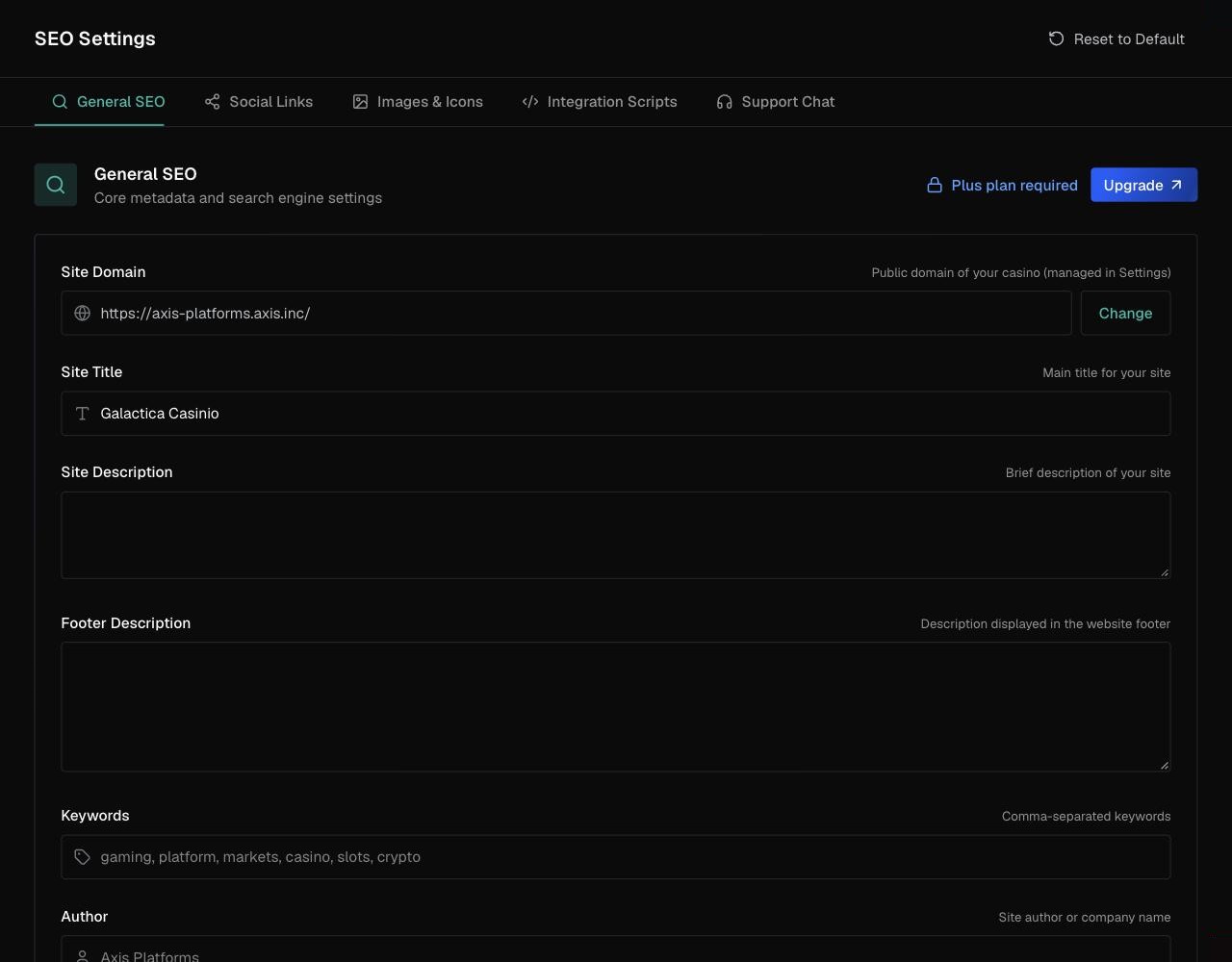
| Field | What it does |
|---|---|
| Site Domain | The public domain of your storefront. It is managed in Settings; Change takes you there |
| Site Title | The main title of your site |
| Site Description | A short description of your site |
| Footer Description | The description shown in the storefront footer |
| Keywords | Comma-separated keywords, for example gaming, platform, markets, casino, slots, crypto |
| Author | The site author or company name |
| Browser Theme Color | The colour of the browser tab or address bar on supported browsers. Enter a hex value such as #0F1CD6 |
| Locale | The language locale, for example English (US) |
Social Links
Add the full URL for each profile you want linked from the storefront.
| Field | Enter |
|---|---|
| X (Twitter) | The URL of your X profile |
| Discord | An invite link to your server |
| Telegram | A link to your channel or group |
| The URL of your Instagram profile |
Images & Icons
| Asset | Notes |
|---|---|
| Logo | The main site logo. It is managed in the Builder; change it from the Builder page header |
| Mobile Logo | A logo sized for mobile. SVG, PNG or WebP |
| Favicon | The browser tab icon. ICO or PNG |
| Social Share Image | The image shown in link previews. 1200 × 630 px is recommended |
Reset to Default
Reset to Default at the top of the page restores the default SEO values. Check your site title and description afterwards.