
Storefront
Banners and blog
Manage the promotional banners and blog posts shown on your storefront.
Both pages live under Platform Management → Marketing.
Banners
Marketing → Banner Settings lists every banner on your storefront in display order (#1, #2 and so on). Each row shows the banner title, its language and its status. The footer shows how many banners are active and how many are upcoming.
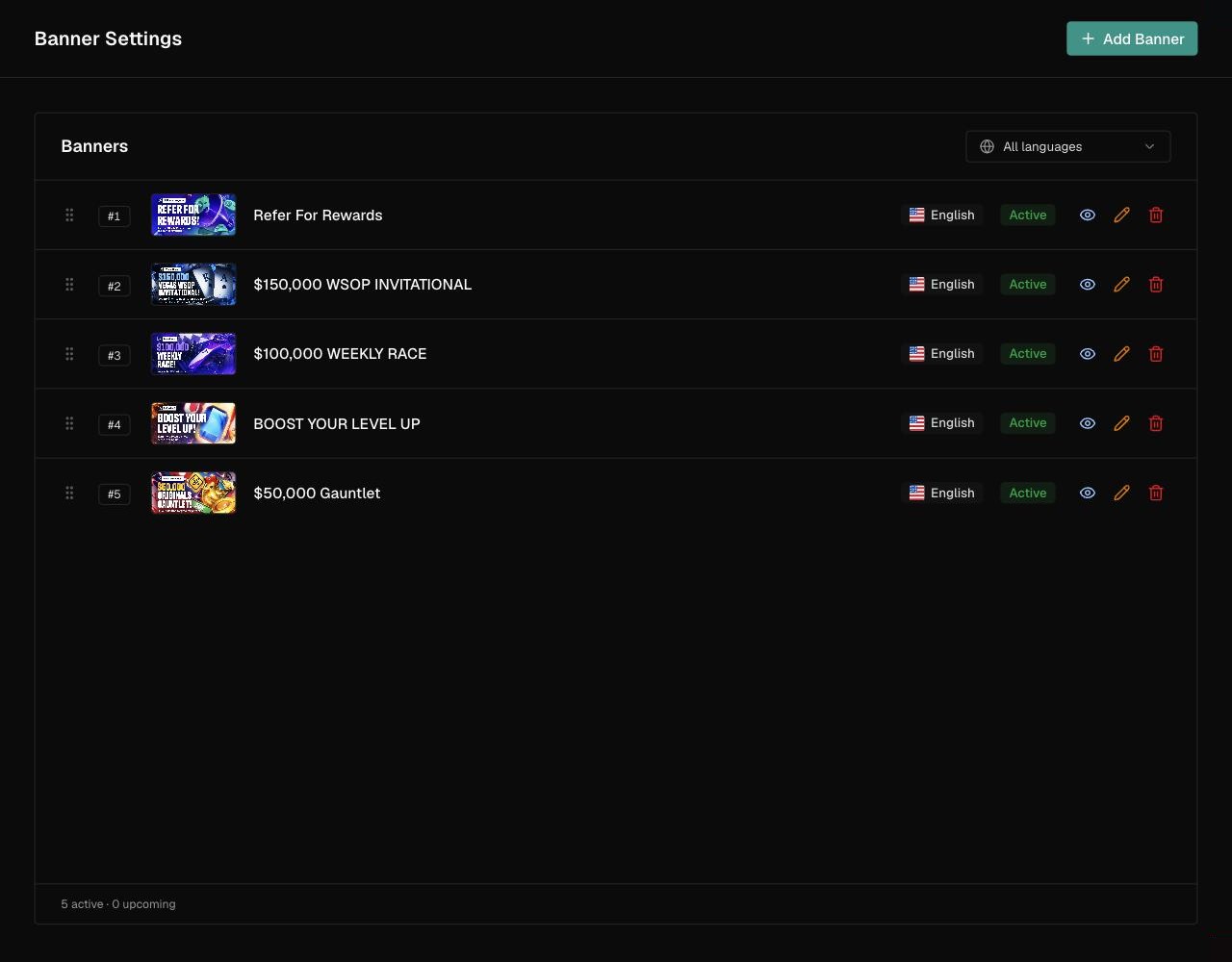
| Action | What it does |
|---|---|
| Add Banner | Creates a new banner |
| Preview | Shows the banner as players will see it |
| Edit | Changes the banner's content or schedule |
| Delete | Removes the banner |
| Language filter | Shows only the banners for one language |
Banners are per language. If your storefront serves more than one language, add a version for each.
Blog
Marketing → Blog lists your posts with their language, category and status. The footer shows how many posts are active, in draft and scheduled.
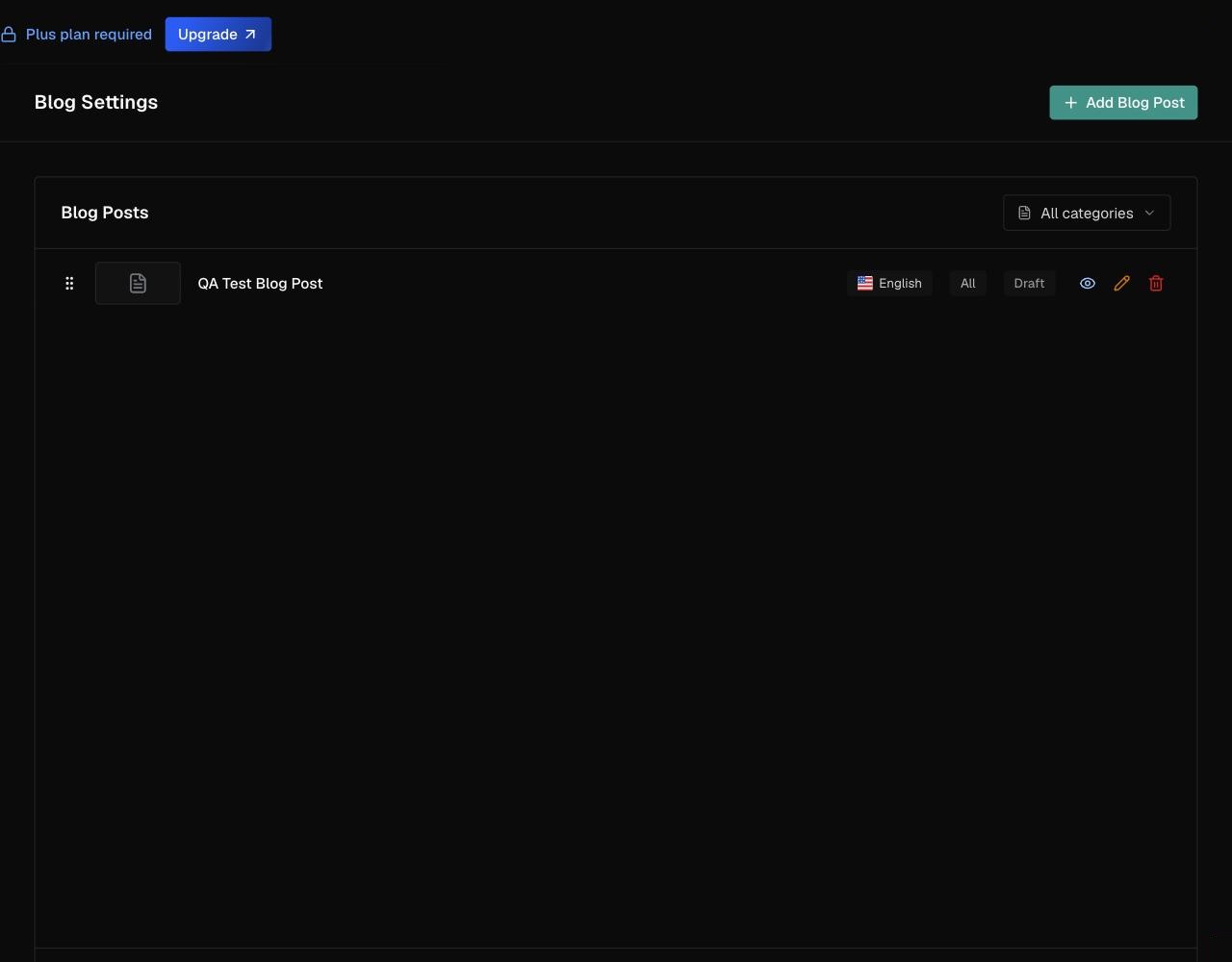
| Status | Meaning |
|---|---|
| Draft | Saved but not visible to players |
| Scheduled | Will publish at a set time |
| Active | Live on the storefront |
| Action | What it does |
|---|---|
| Add Blog Post | Creates a new post |
| Preview | Shows the post as players will see it |
| Edit | Changes the post |
| Delete | Removes the post |
| Category filter | Shows only the posts in one category |