
Money
Finance settings
Payout methods, currencies, and whether withdrawals are paid automatically or reviewed by hand.
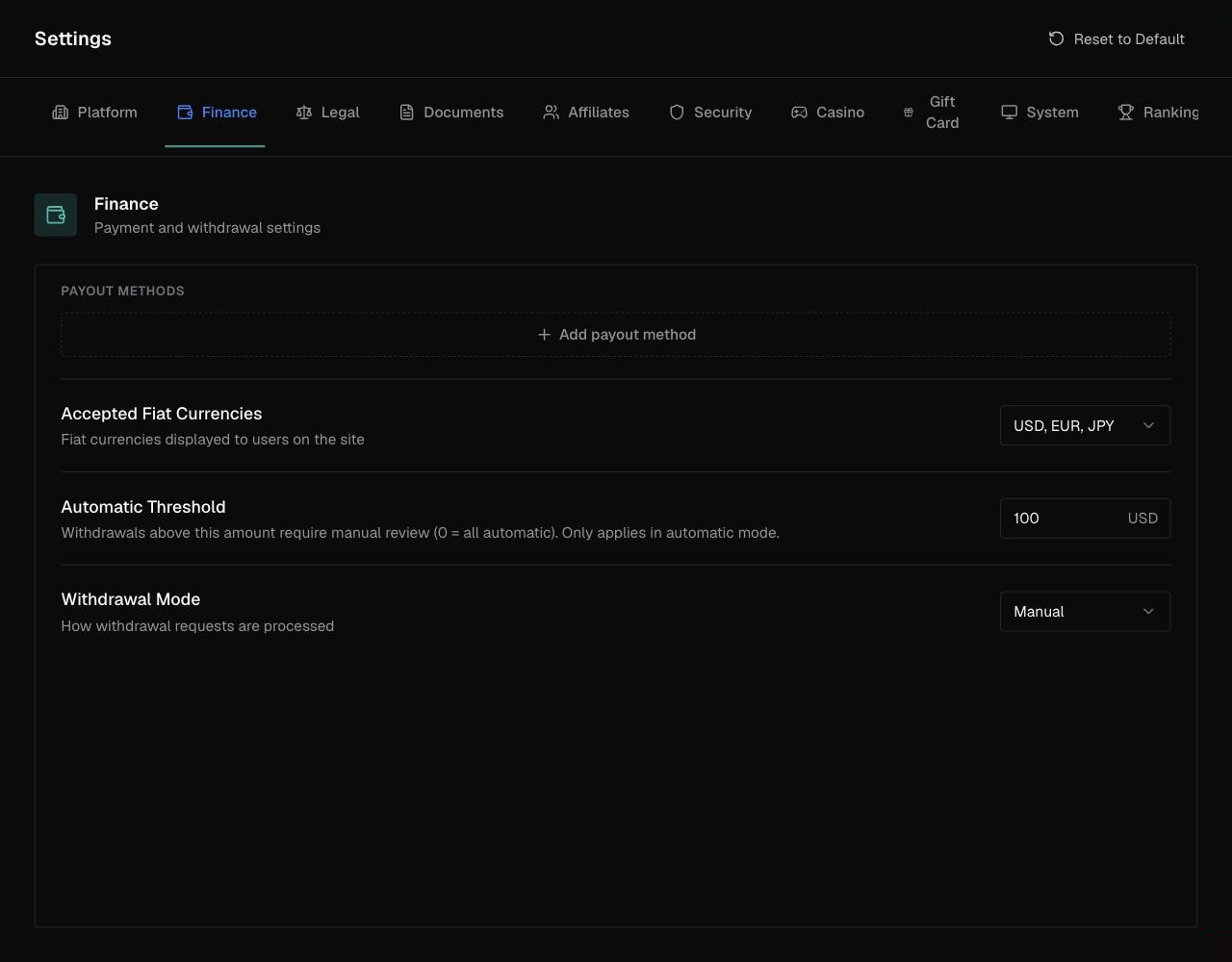
Settings → Finance controls how money leaves your platform and which currencies players see.
Settings
| Setting | What it does |
|---|---|
| Payout Methods | The methods you pay out through. Use Add payout method to add one. Casino platforms |
| Accepted Fiat Currencies | The fiat currencies displayed to players, for example USD, EUR, JPY |
| Withdrawal Mode | Manual or Automatic. See below |
| Automatic Threshold | In automatic mode, withdrawals above this amount (USD) go to manual review |
Packs platforms add sales-tax settings on this tab. See Pack settings.
Withdrawal mode
| Mode | What happens to a withdrawal request |
|---|---|
| Manual | Every request waits for someone on your team to review it |
| Automatic | Requests are processed without review, up to the automatic threshold |
The automatic threshold
The threshold only applies in automatic mode.
| Threshold | Effect |
|---|---|
| 0 | All withdrawals are automatic |
| Any amount above 0 | Withdrawals up to that amount are automatic. Larger ones wait for manual review |
Example: with the threshold at $500, a $200 withdrawal is paid automatically and a $2,000 withdrawal waits in Operations → Withdraw as Pending until you review it.
Choosing a mode
- Start in Manual while you are new and volumes are low. You see every request and learn what normal looks like.
- Move to Automatic with a low threshold once you trust your KYC and fraud rules.
- Raise the threshold as your review queue grows.
Related limits
The most a player can withdraw in one transaction is set separately, under Limits. Whether a player can withdraw at all depends on their KYC level.